
Face Search
No Face Search Results? What That Actually Means
A reverse face search returned nothing. Does that mean the person has no other photos online? Not necessarily. Here's what zero results actually tells you — and what it doesn't.
You upload a photo.
The search runs.
And then:
No matches found.
It's tempting to interpret that as a definitive answer: there must not be any other photos of that face online.
But that's not what a zero-result search actually tells you.
Reverse face search doesn't search every image on the internet. It compares your photo against images available to the particular search system, provider, or index being searched.
A better interpretation is:
The search didn't find a sufficiently similar result within what it was able to search.
That's a much narrower statement — and an important distinction.
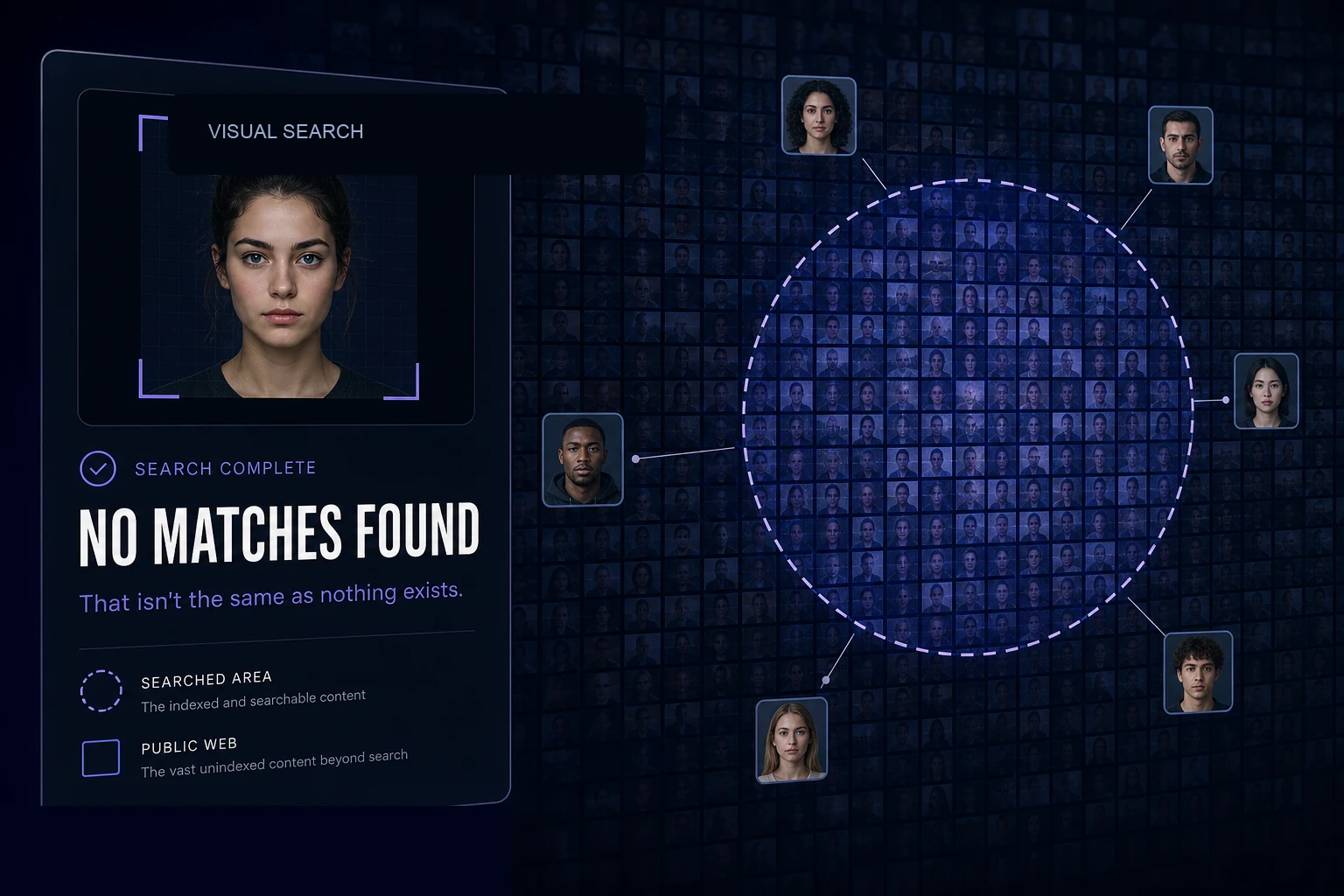
"No results" is a search outcome, not a fact about the internet
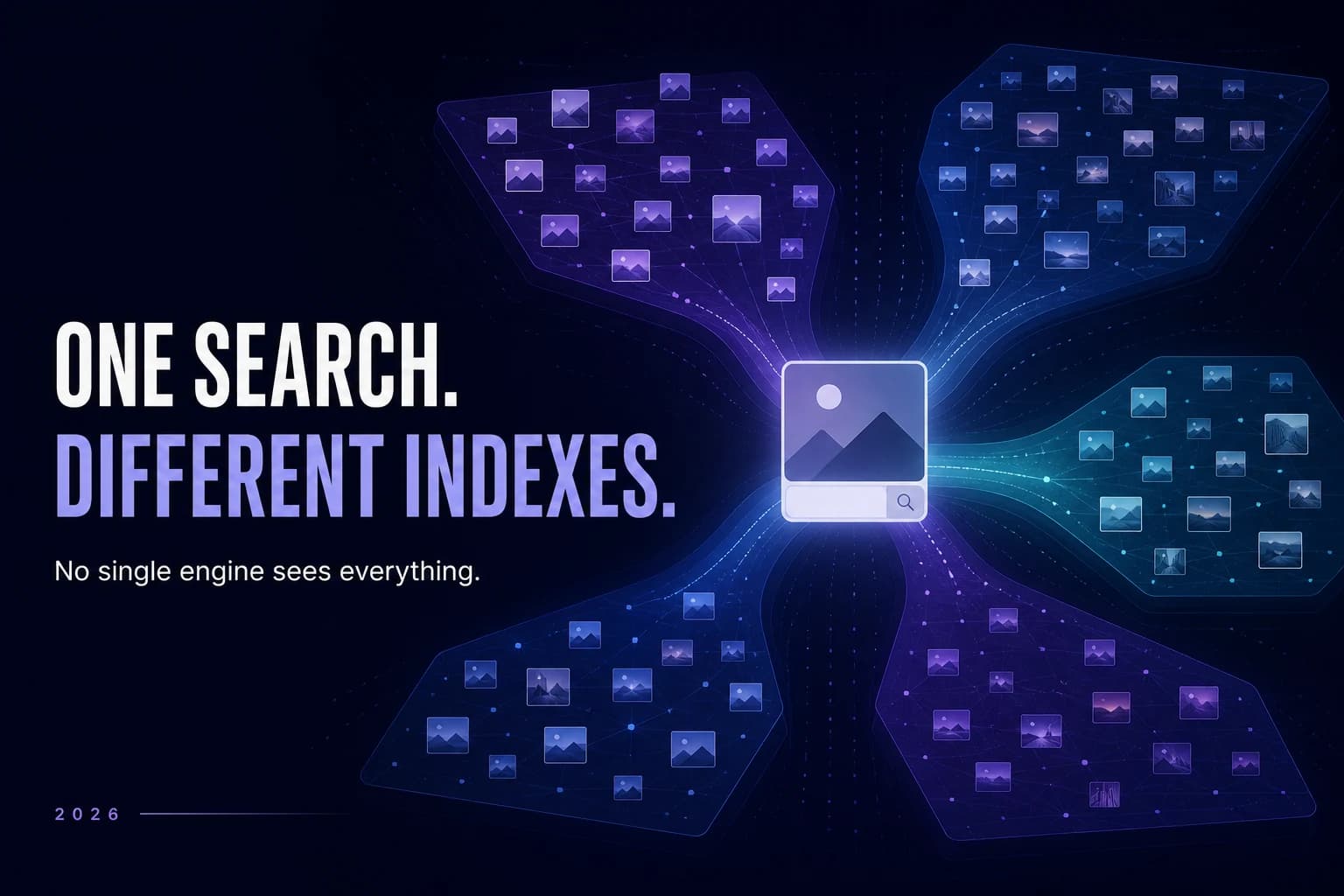
Search engines operate on indexes.
An index is essentially the searchable collection a system has available to query. That collection can be enormous without containing everything that exists online.
Think about ordinary web search.
A webpage can exist without appearing in your Google results. A newly published page may not have been crawled yet. A page can block indexing. Content can disappear from an index while remaining online elsewhere.
Image and face search have similar limitations.
A relevant photo might:
exist on a page the search provider hasn't indexed;
have been published recently;
be inaccessible to crawlers;
exist behind authentication or privacy controls;
appear on a website outside the provider's coverage;
have been removed from a particular search index;
be difficult to match from the source photo you provided.
So when a face search returns zero results, it tells you something about that search.
It does not provide an inventory of the entire internet.
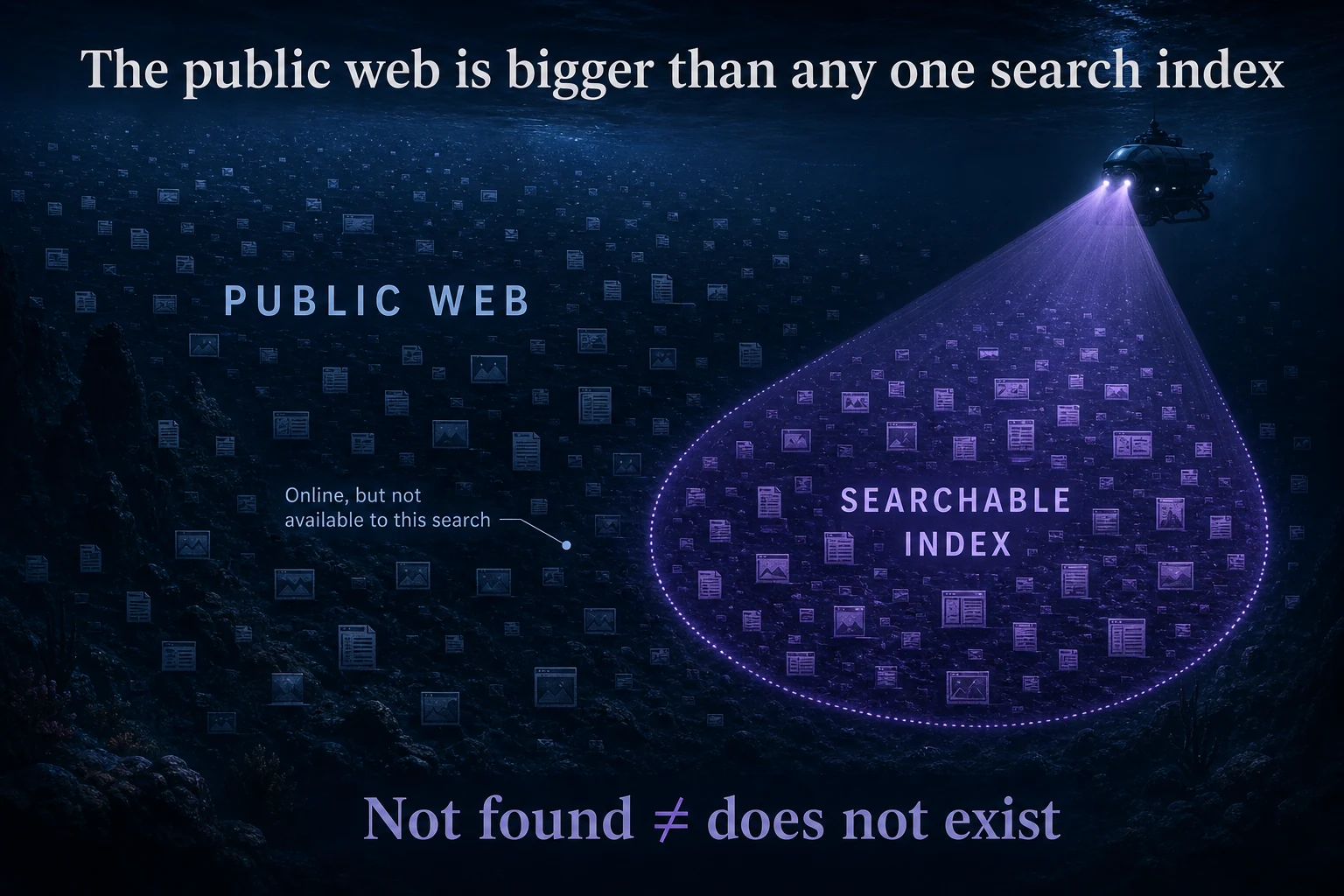
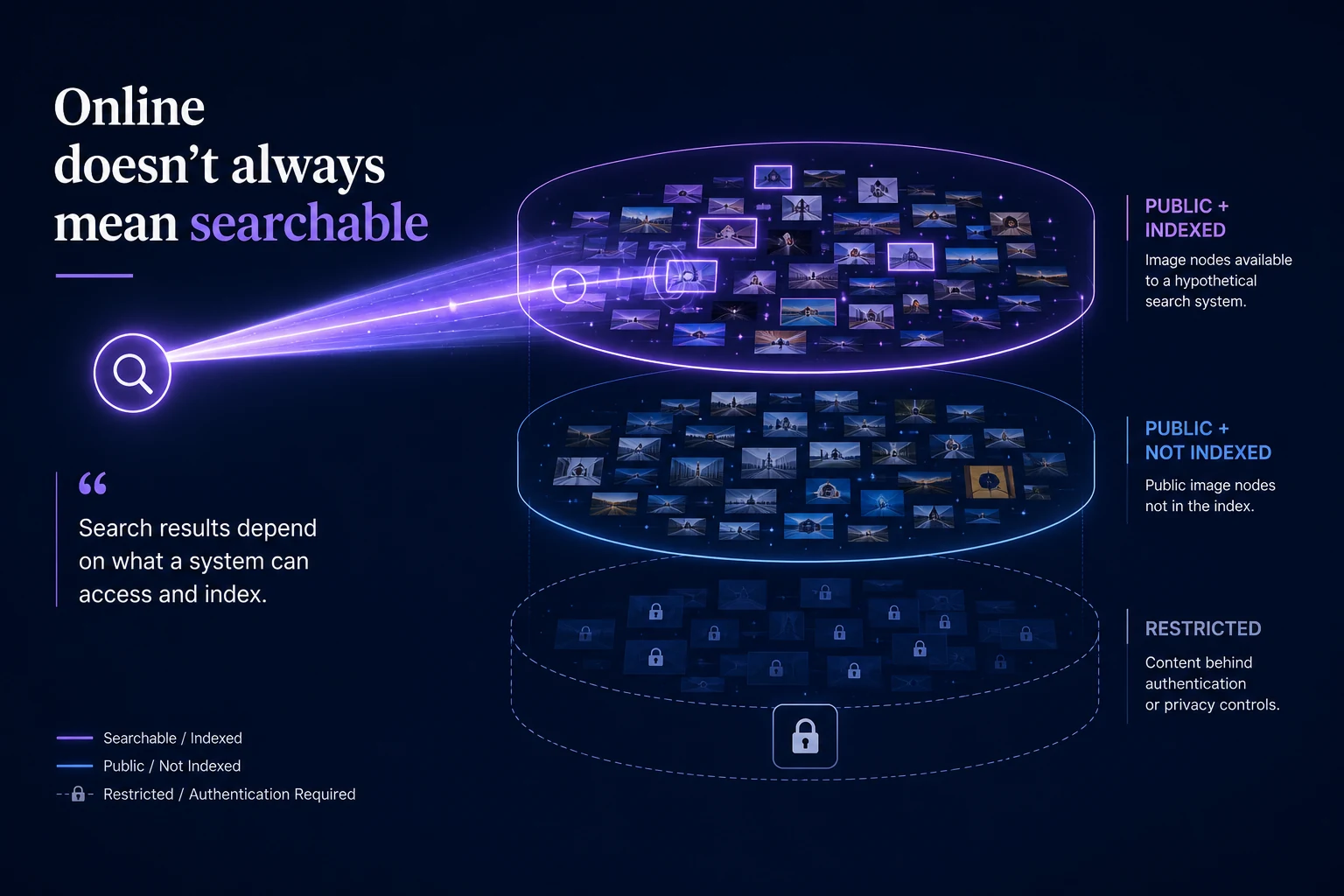
The public web and the searchable index aren't the same thing
Imagine the public web as an enormous ocean.
A search index is not the ocean.
It's a map of some of what has been discovered, processed, and made searchable.
Different search systems can have different maps.
Why might a face search return nothing?
There isn't one reason.
Zero results can happen at several different points between the photograph you upload and the images available to search.
1. The relevant photo may not be in the search index
This is probably the most important explanation.
A photograph can exist online and still be unavailable to a particular face-search system.
Search providers discover and index content differently. Their coverage can change over time, and one provider may have indexed an image that another has not.
That means:
Provider A returning nothing doesn't necessarily mean Provider B will return nothing.
It also means running the same search later can potentially produce a different result as indexes change.
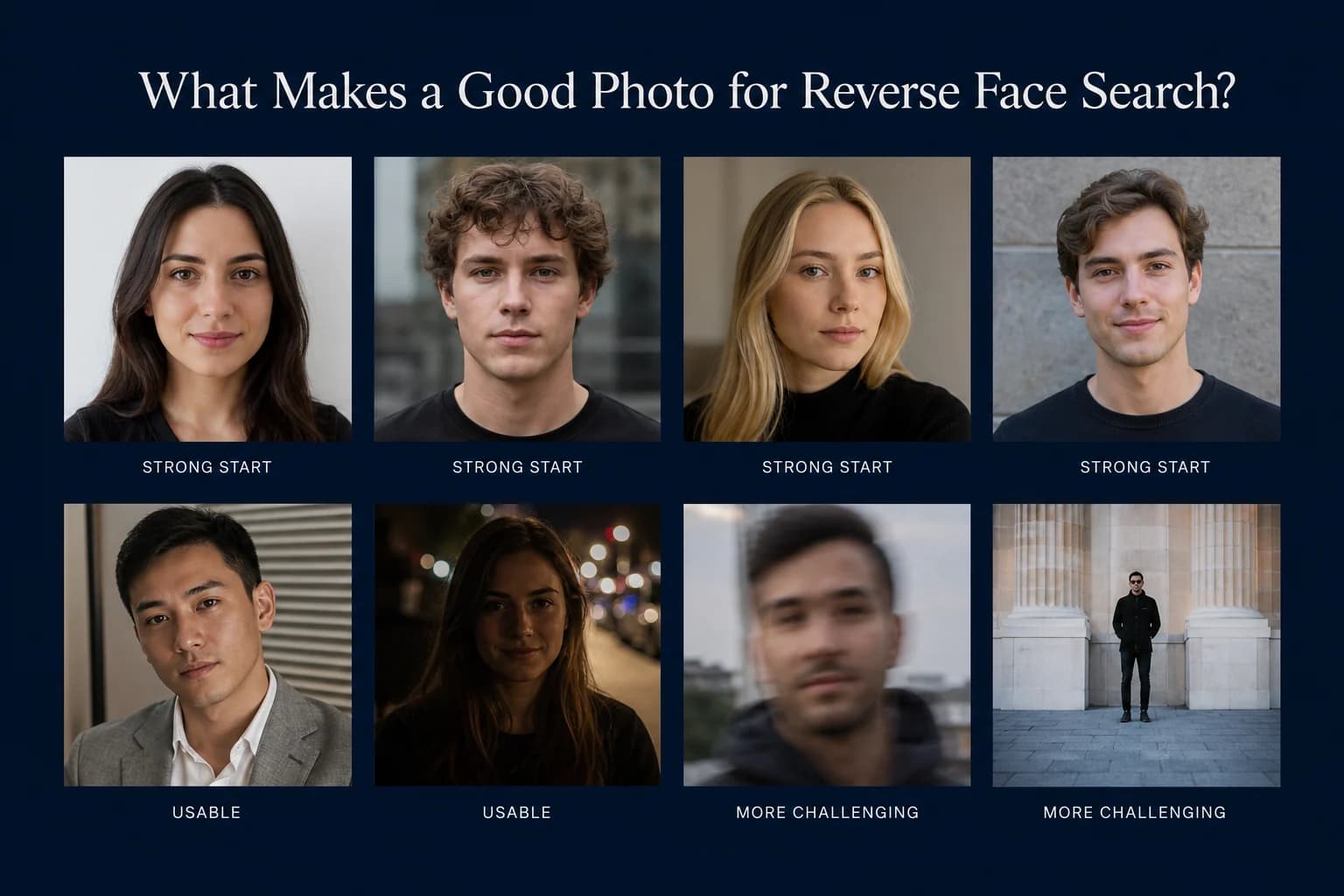
2. The source photo may be difficult to compare
The photograph you upload matters too.
A clear frontal portrait generally provides more usable facial information than a tiny, heavily blurred face photographed from an extreme angle.
Common challenges include:
very small faces;
heavy blur;
extreme angles;
severe shadows;
substantial obstructions;
very low image quality;
aggressive filters or editing.
That doesn't necessarily make a photo impossible to search.
It simply gives the recognition system a more difficult starting point.
For a deeper explanation, see What Makes a Good Photo for Reverse Face Search?.
3. The available photos may look very different
Face recognition is designed to compare the same face across different photographs.
That's one of the major differences between reverse face search and conventional reverse image search.
But variation still matters.
A person's available photos might differ because of:
Age — a significant amount of time separates the photographs.
Pose — the searchable image shows a substantially different view of the face.
Lighting — facial detail appears differently.
Image quality — one version contains much less useful information.
Appearance — hair, facial hair, makeup, glasses, weight, and other characteristics may have changed.
A recognition model may tolerate many of these differences, but no system recognizes every face across every possible photograph.
To see how face recognition compares faces, start with the pipeline overview.
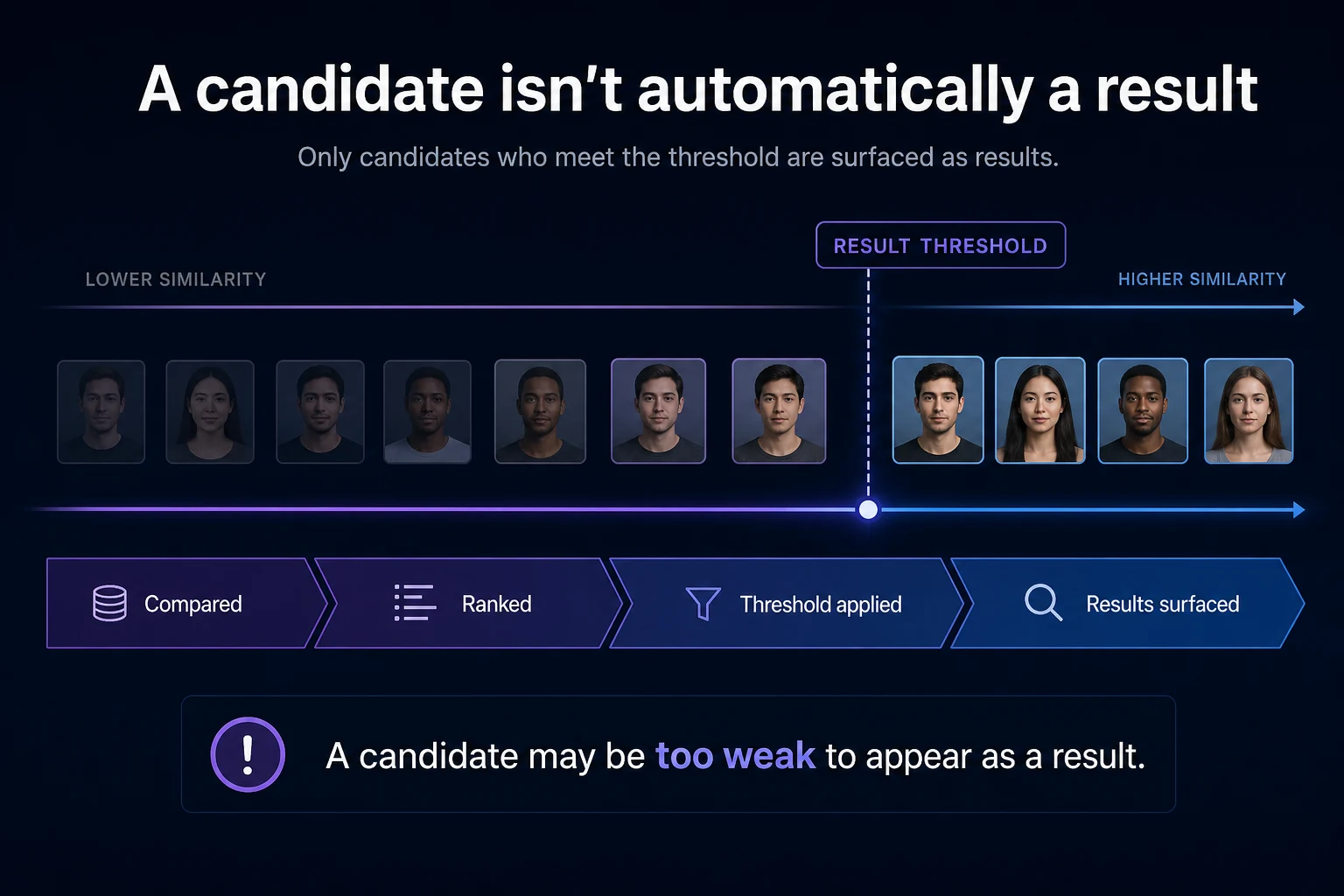
4. A possible match may fall below the system's threshold
Face-search systems generally don't ask: “Is this definitely the same person?”
They compare numerical representations of faces and measure how similar those representations are.
A system then has to decide which candidates are strong enough to surface as results.
Imagine that the system finds something somewhat similar — but not similar enough to meet the criteria for showing it.
From the user's perspective:
No result.
From the underlying comparison:
A candidate may have existed, but it wasn't strong enough to return.
This is one reason “zero results” should never be interpreted as mathematical proof that no related image exists.
5. The image may not be publicly searchable
There's another category that people easily overlook:
Not everything you can see online is necessarily publicly searchable.
An image might require an account or authentication to access. Privacy settings may restrict it. A site may prevent automated crawling or indexing.
And content inside private accounts, private messages, closed systems, or other restricted areas is fundamentally different from openly indexed web content.
CatchAFace is designed around publicly available/searchable sources — not bypassing access controls.
So:
"I know this photo exists online" and "this photo is available to a face-search index" are not necessarily the same statement.
Should you try another photo?
Often, yes.
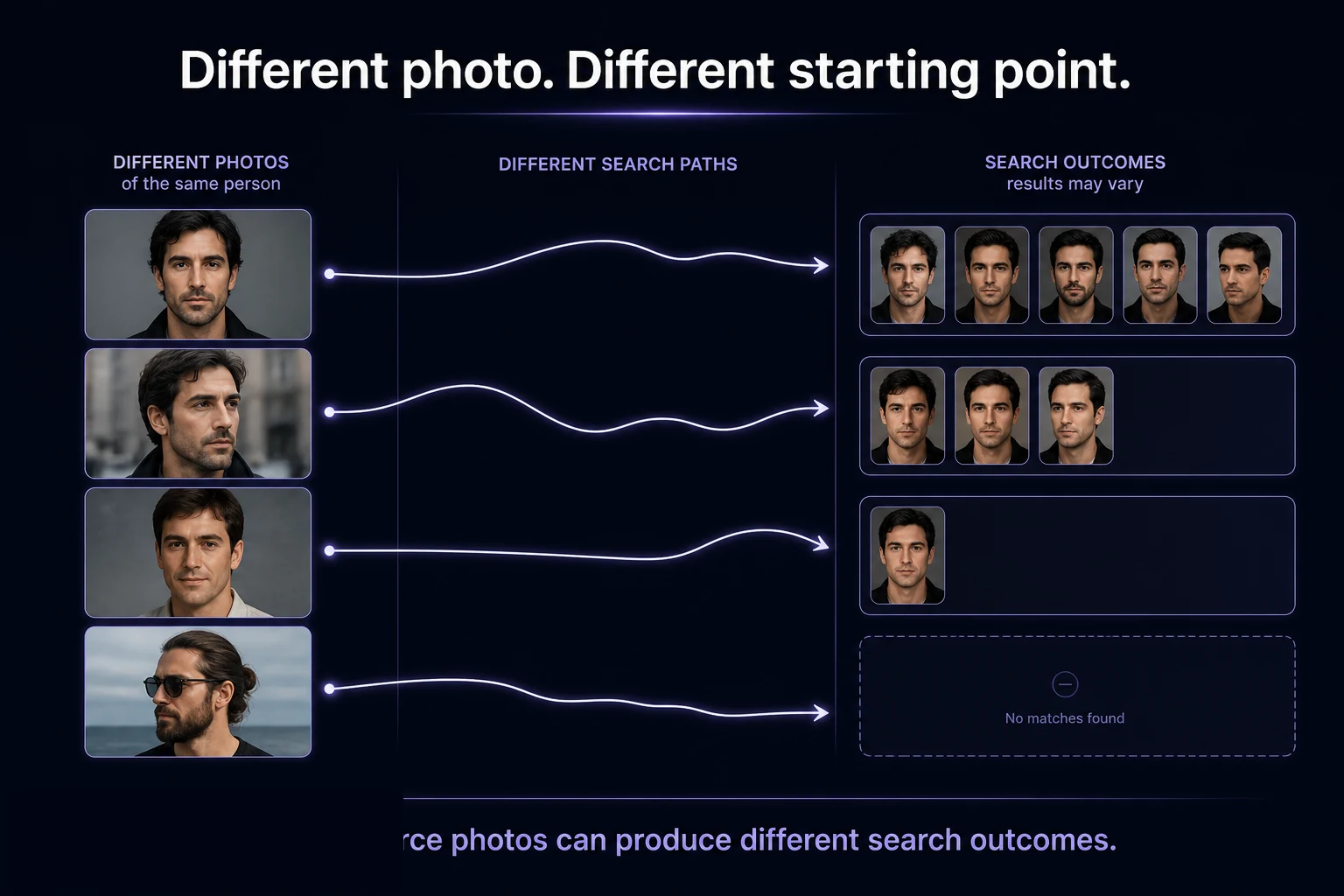
If you're searching for your own face and your first photograph produces no useful results, another source photograph may give the system a different representation to compare.
Try meaningful variation rather than uploading essentially identical photos.
For example:
Search 1: clear recent portrait
Search 2: different angle
Search 3: older photograph
Search 4: different hairstyle or appearance
Different source photos can potentially produce different candidate rankings.
They can also produce exactly the same outcome.
There's no guarantee that trying another photograph will find something.
What you should NOT conclude from zero results
This is the point of the entire article.
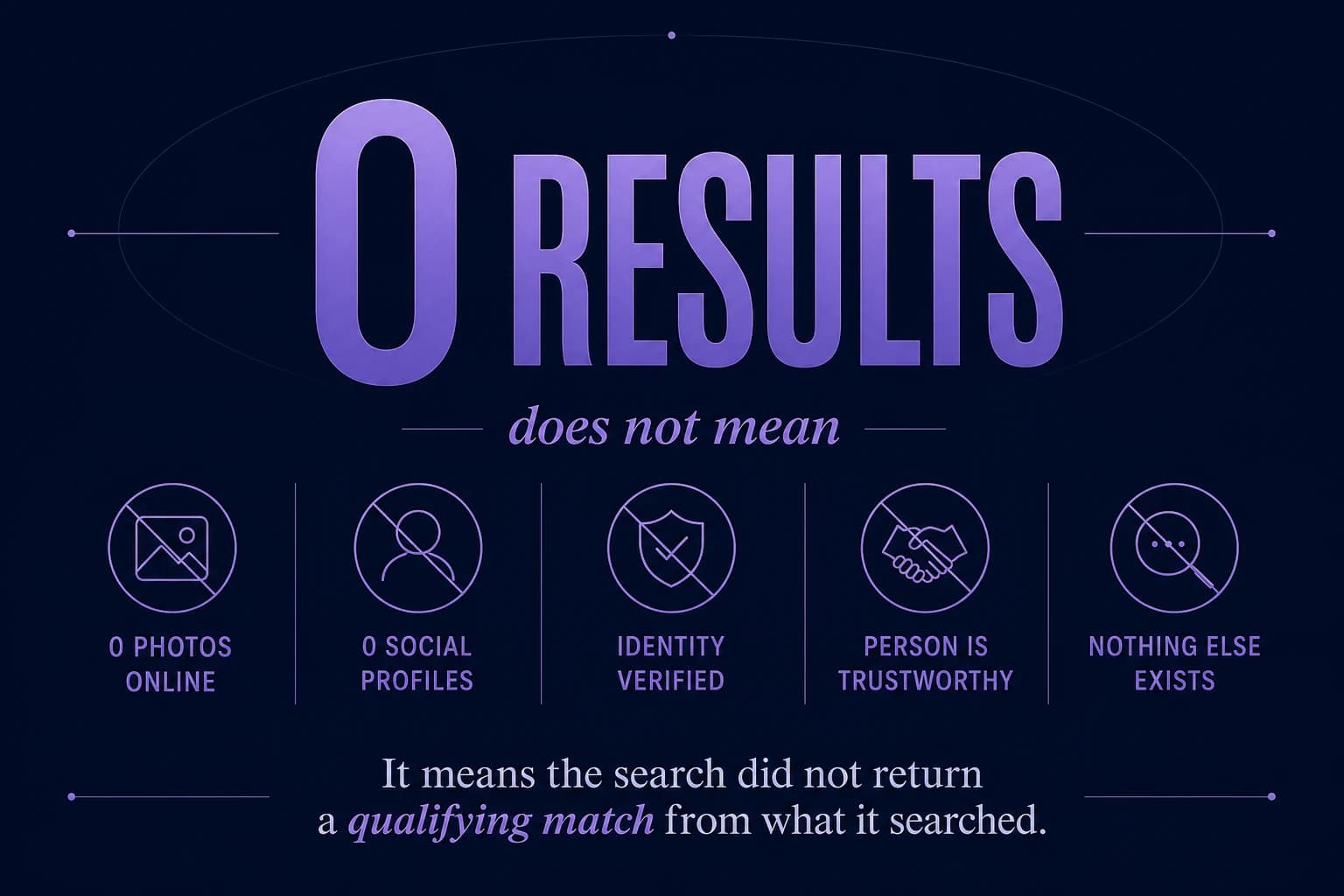
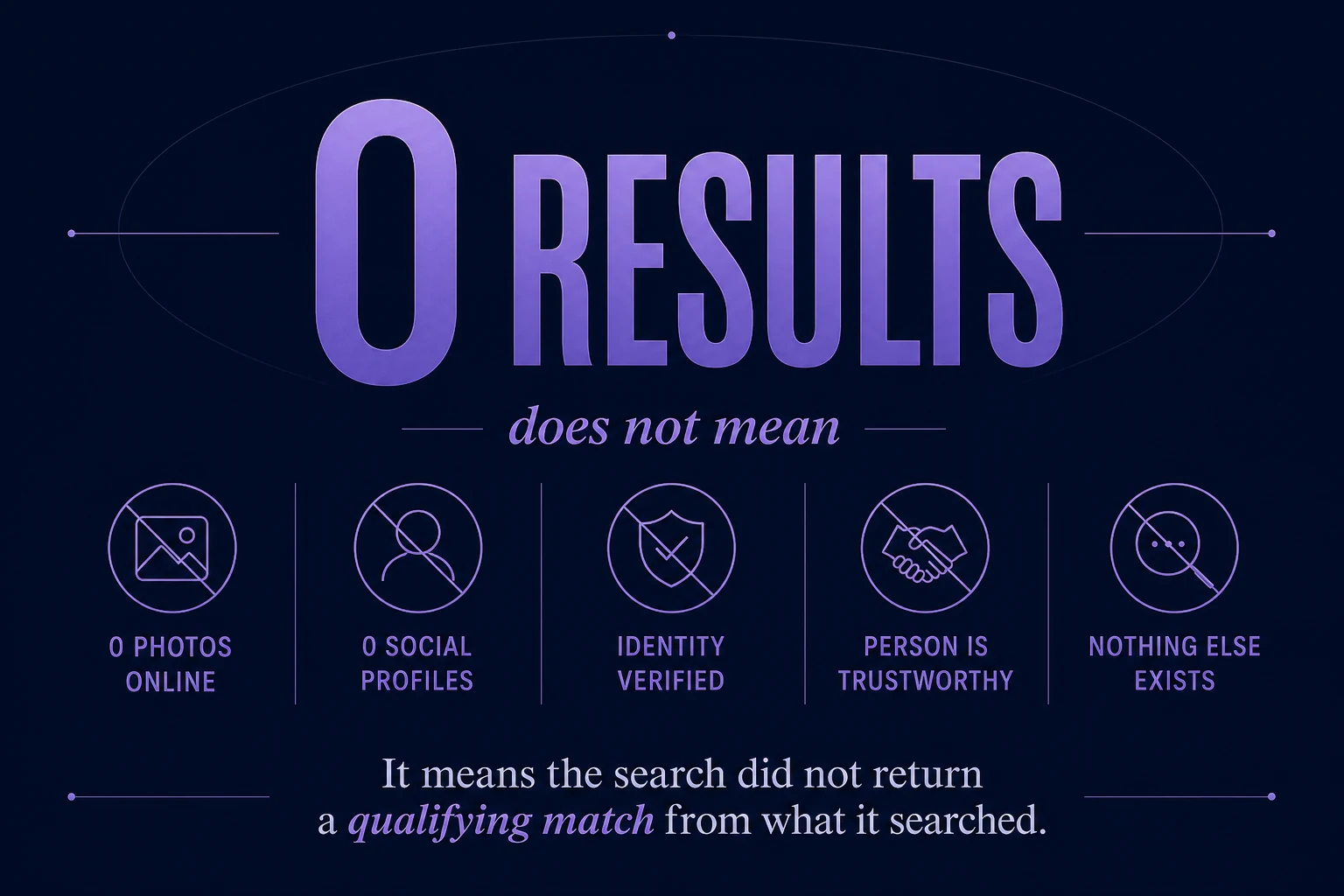
No results does NOT establish that:
The person has no photos online. There may be photos outside the searched index.
The person has no social-media accounts. Face search isn't an exhaustive social-account directory.
The uploaded photo is fake. Failure to find another image says nothing definitive about the authenticity of the source photograph.
The person is who they claim to be. Absence of results does not verify identity.
The person is safe or trustworthy. A search result — positive or negative — is not a personal-safety assessment.
Nothing concerning exists online. You're searching a particular set of visual information, not performing an exhaustive background investigation.
What if you DO get a result?
The opposite misunderstanding happens too.
A strong similarity result does not automatically establish identity.
It tells you that the search system considers two facial representations visually similar according to its comparison method.
That's a reason to inspect the source.
It isn't a reason to skip critical thinking.
A result can be:
the same person;
a different photo of the same person;
a lookalike;
an image presented in misleading context;
an incorrectly attributed image;
or simply a false match.
So the same principle applies in both directions:
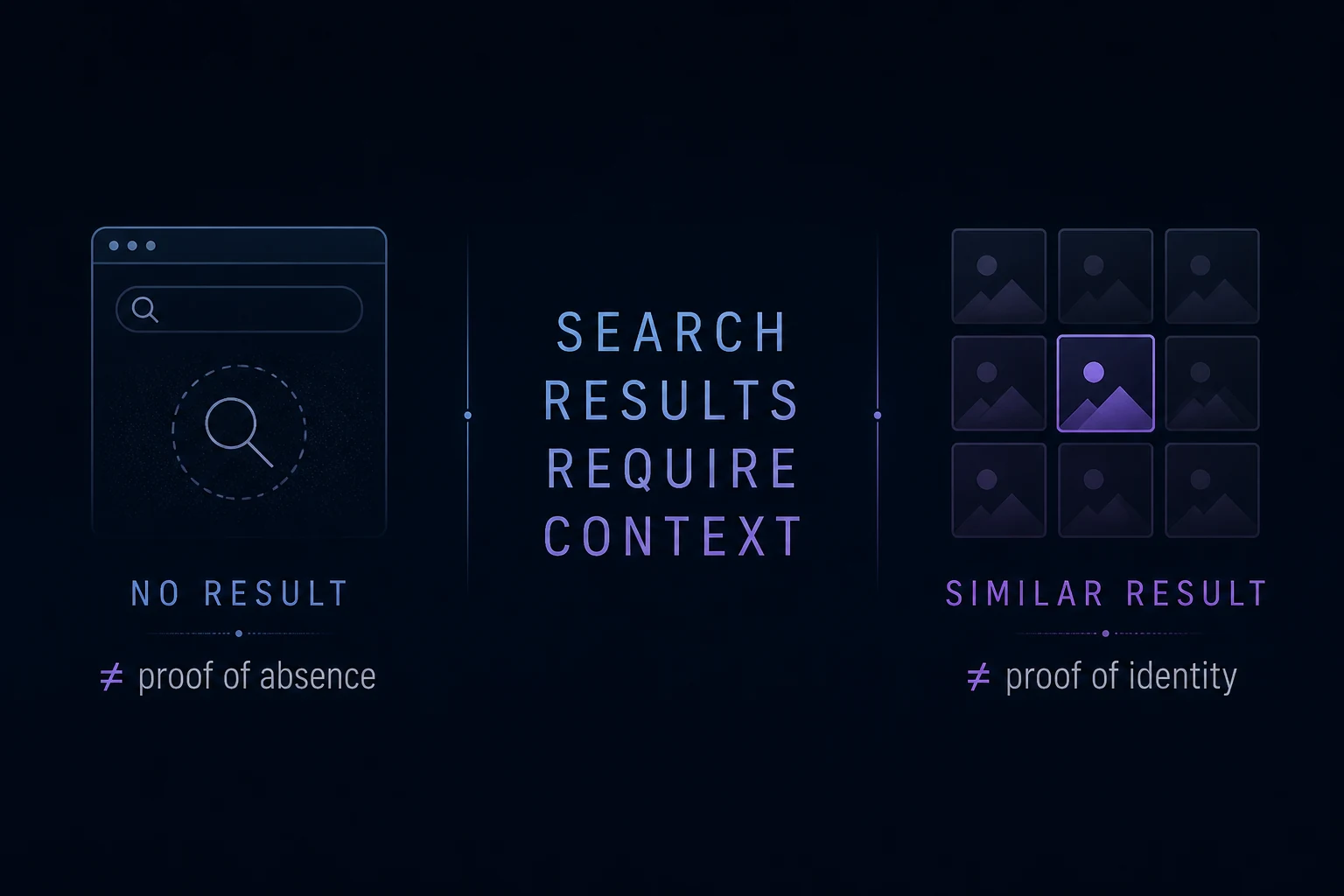
No result isn't proof of absence. A result isn't proof of identity.
A better way to read face-search results
Instead of asking:
"What does this prove?"
Ask:
"What did this search actually find?"
That's the healthier way to interpret reverse face search.
If results appear, review the source pages, images, context, and similarity carefully.
If nothing appears, recognize the limits of the search rather than treating the absence as a definitive answer.
Reverse face search is a discovery mechanism.
It can tell you what it found. It cannot certify what doesn't exist.
Absence of a result isn't proof of absence
Reverse face search can cover enormous amounts of publicly available visual information and still not represent the entire internet.
Indexes change. Websites change. Photos appear and disappear. Different search systems have different coverage. Source-photo quality varies. Recognition models have limits.
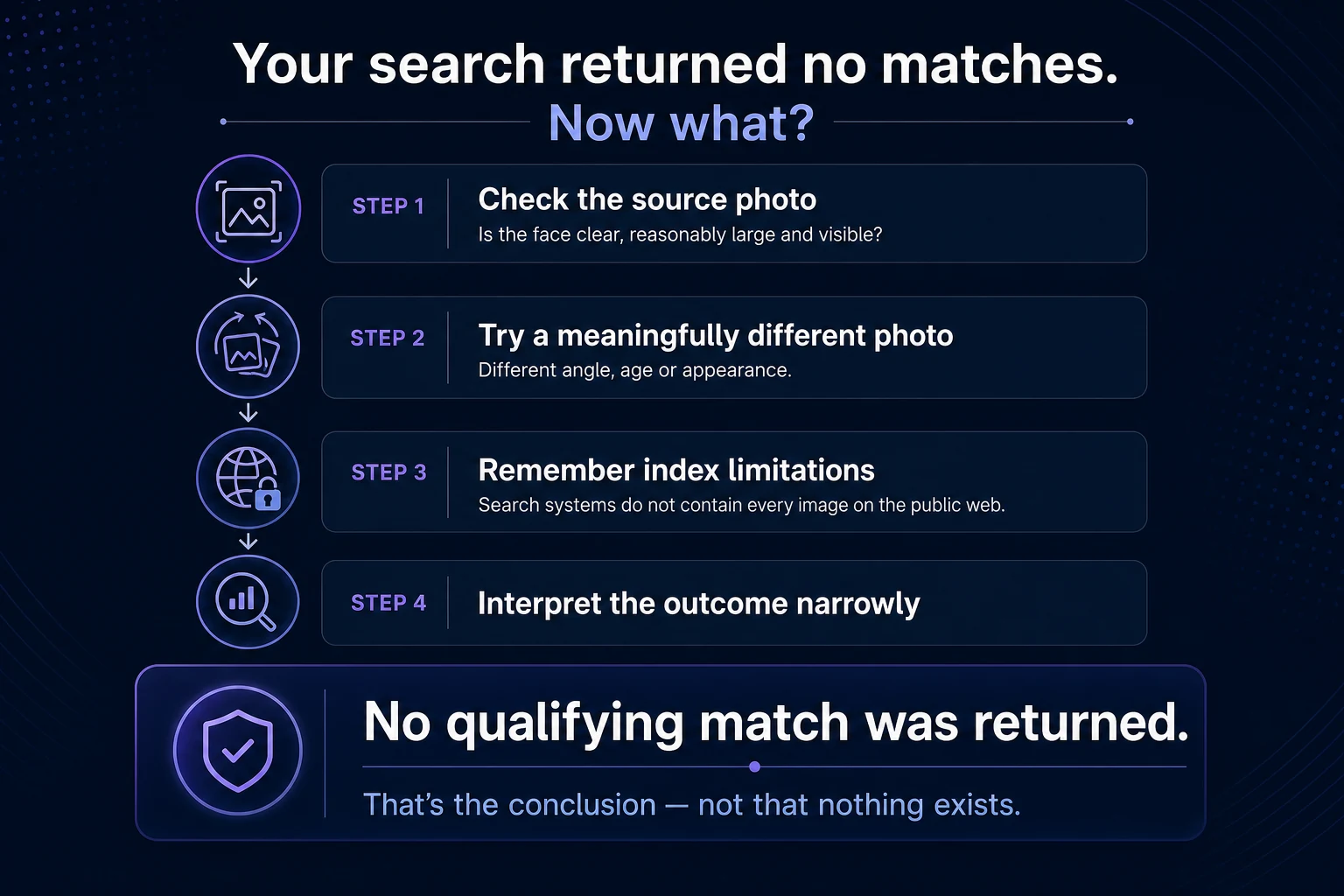
That's why a zero-result search should be interpreted precisely:
The search did not return a sufficiently similar result from the resources it searched.
Nothing more should automatically be inferred from it.
And that's equally important when you're searching your own face, researching where an image appears, or simply trying to better understand what's publicly visible online.
CatchAFace is a discovery and search tool — not identity verification, a background check, or a personal-safety assessment.
Related Articles
Guides
What Makes a Good Photo for Reverse Face Search?
A clear photo gives facial recognition more useful information to compare. Learn which photos make the best starting point for reverse face search — and which common problems can make searching harder.
7 min read
Guides
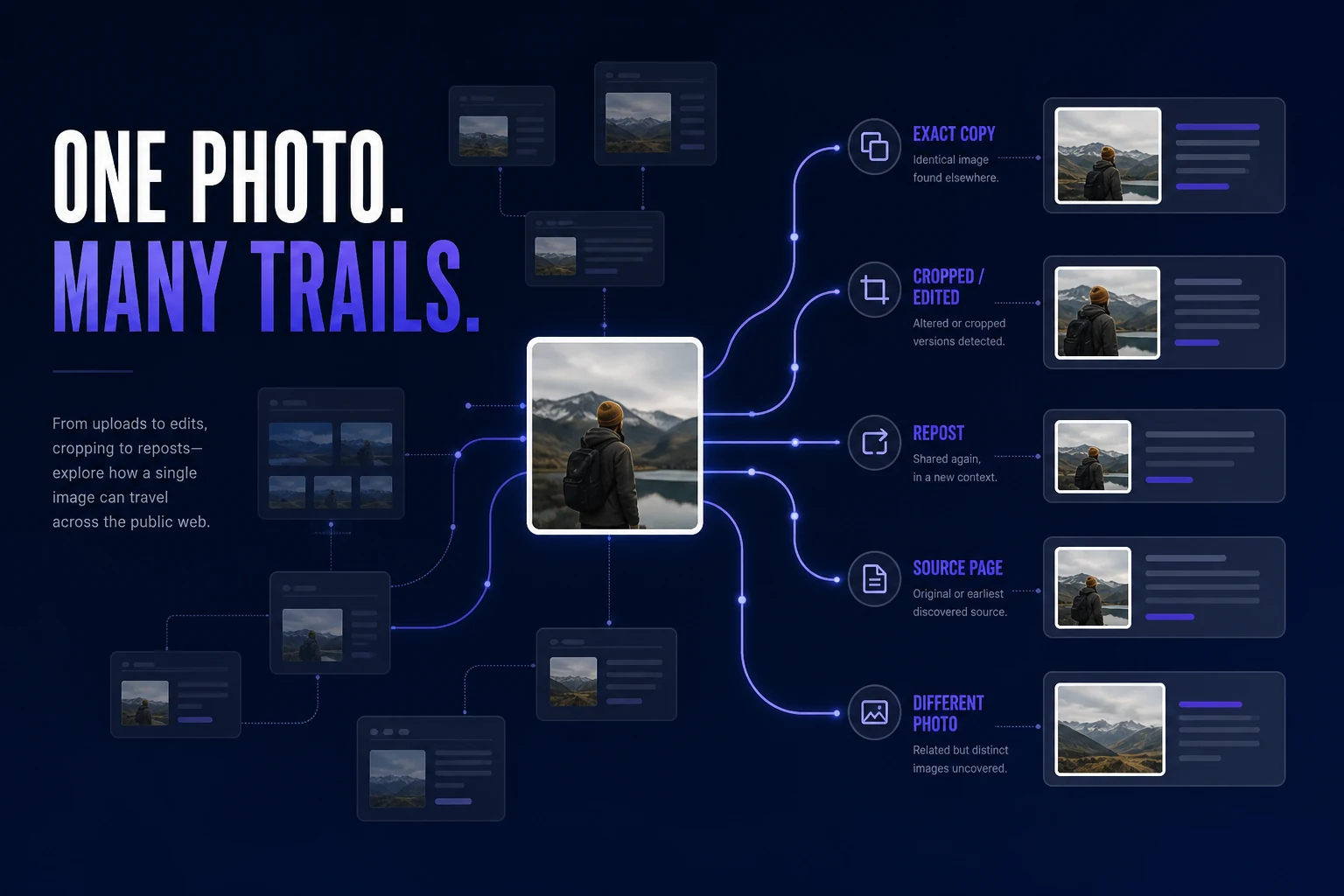
How to Find Where Your Photos Appear Online
Trying to find where a photo of you appears online? Learn how to search for exact copies, modified versions, different photos of your face, and the webpages behind the results.
7 min read
Guides
Best Reverse Face Search Engines in 2026
Reverse face search engines don't all search the same sources or present results the same way. Here's how the major face-search options in 2026 differ — and which type of tool may fit what you're trying to find.
9 min read