
Guides
Best Reverse Face Search Engines in 2026
Reverse face search engines don't all search the same sources or present results the same way. Here's how the major face-search options in 2026 differ — and which type of tool may fit what you're trying to find.

Updated August 2026
Disclosure: This article is published by CatchAFace. We include our own product in the comparison and describe competitors as fairly as we can based on publicly stated features. We are not declaring a single universal winner, and we do not treat self-published accuracy percentages as controlled benchmarks.
There isn't one face-search engine that searches everything.
Reverse face search has become considerably more accessible, but choosing a service isn't as simple as finding the one with the biggest “accuracy” claim.
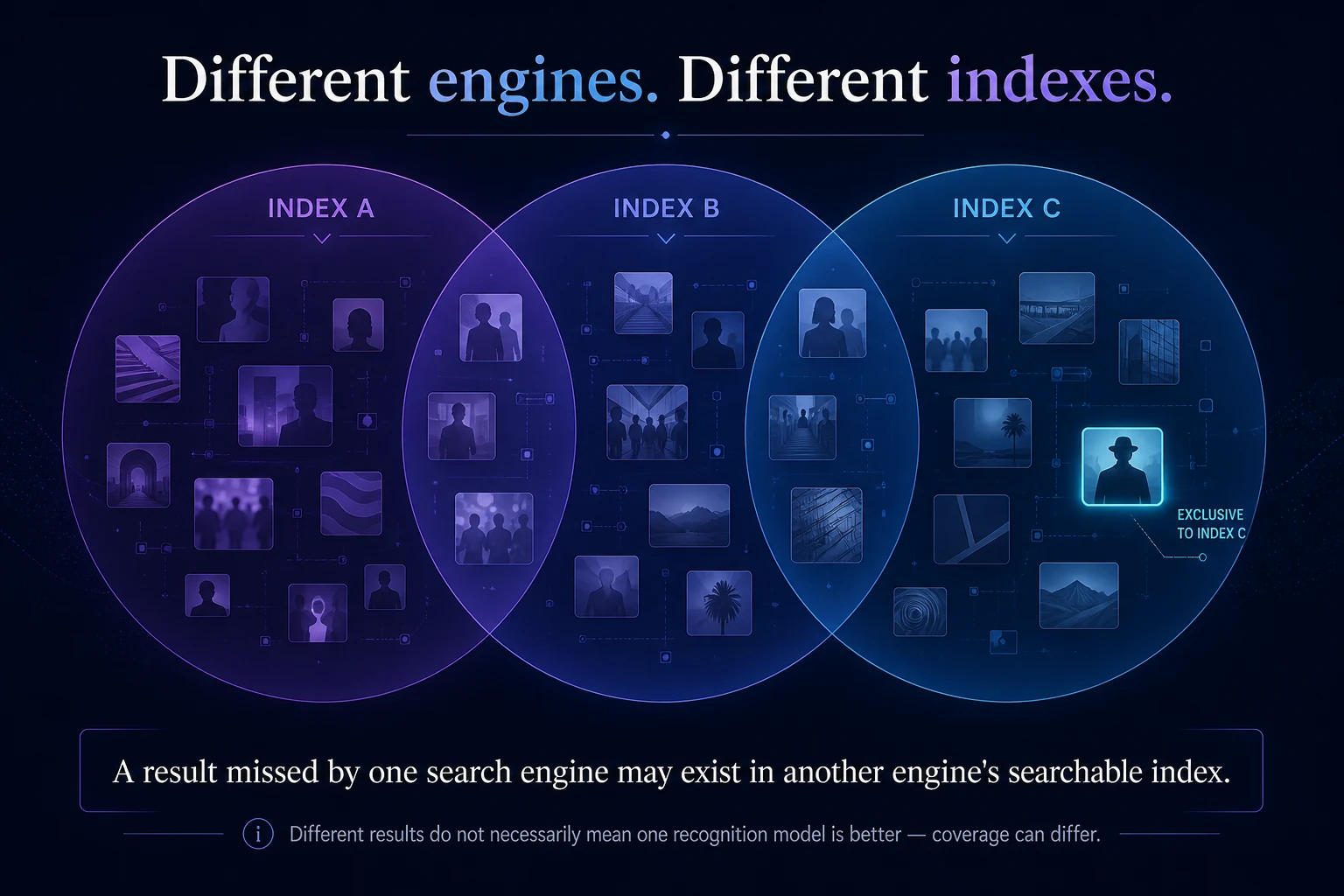
Different engines maintain different indexes, cover different parts of the public web, offer different search tools, and apply different approaches to privacy, results, monitoring, and removal.
That creates an unusual situation:
The best face-search engine can depend on what you're trying to find.
A photograph missed by one provider may appear in another. A service that's excellent for monitoring your own public image footprint may not offer the same research tools as another. And traditional reverse-image engines can still be useful when you're trying to trace the photograph itself rather than the face inside it.
Here's how the major options compare in 2026.
What makes a reverse face search engine "best"?
Before ranking anything, there's a problem with the word best.
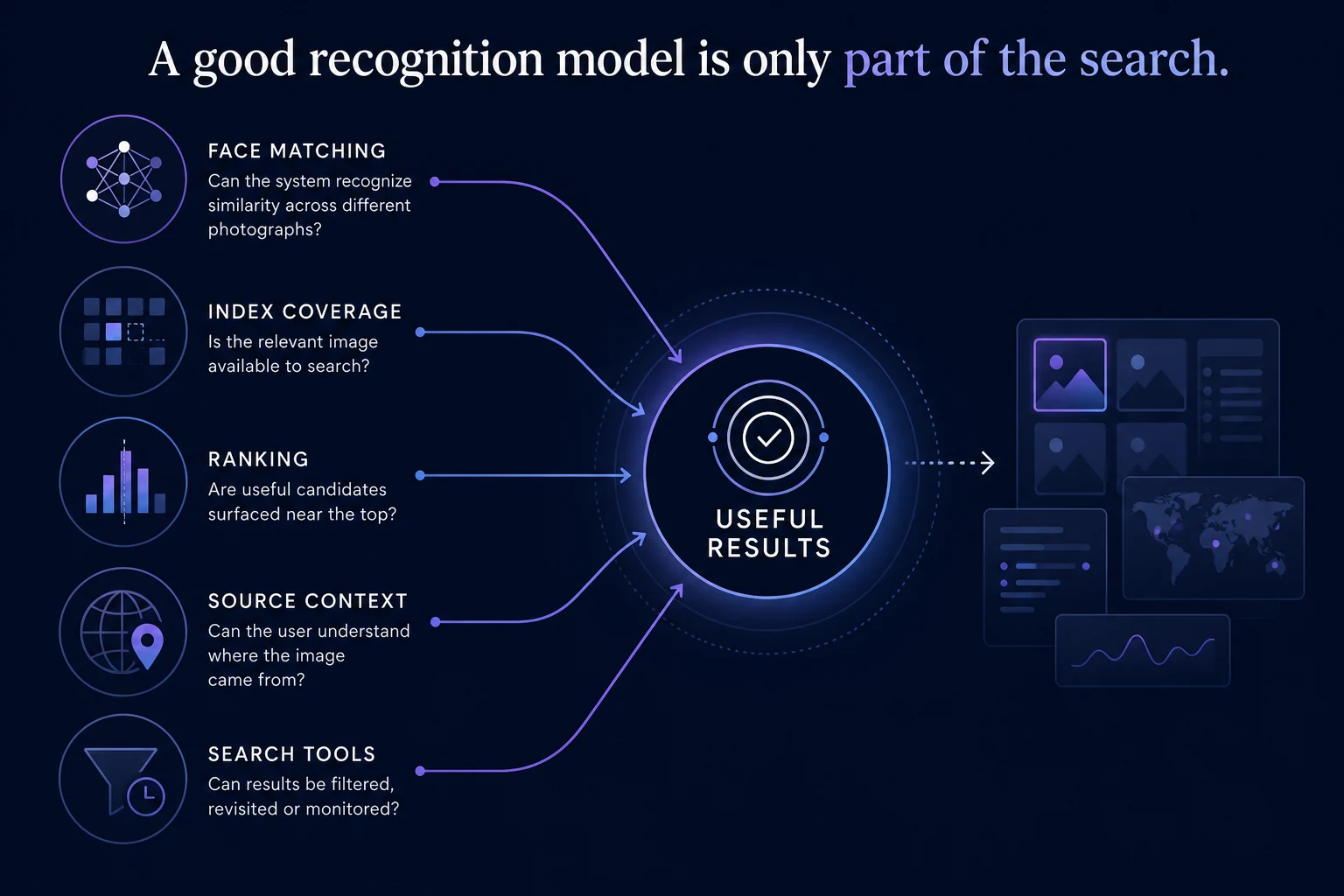
Face-search quality depends on more than the facial-recognition model itself.
A technically excellent recognition system can't return a photograph that isn't present in the resources it searches. (No results aren't proof of absence — indexes matter.)
So we evaluate services around five things:
Search coverage — What kinds of publicly available imagery can the service surface?
Face-search capability — Is it actually designed to compare a face across different photographs, rather than simply finding copies of the original image?
Result usefulness — Can you understand where a result came from and investigate its source?
Search and monitoring tools — Can you filter results, run additional searches, or monitor for new appearances?
Privacy and control — What does the provider say about uploaded searches, removal, opt-outs, and user control?
PimEyes, for example, currently advertises a search-accuracy figure on its site. That may be meaningful within its own methodology, but we shouldn't put that number beside another company's claim as though we conducted a controlled benchmark.
The quick comparison
This table summarizes how we currently understand each tool's role. Features can change — check the provider's own documentation for the latest details.
Service | Best described as | Face-specific search | Broader visual search | Monitoring / alerts | Best fit |
|---|---|---|---|---|---|
CatchAFace | Reverse face search | Yes | — | Yes | Public face discovery + privacy-focused workflow |
PimEyes | Dedicated face search | Yes | — | Yes | Established open-web face search |
Lenso.ai | Face + reverse image search | Yes | Yes | Yes | Multiple visual-search modes |
FaceCheck.ID | Face similarity search | Yes | — | — | Alternative face-search index |
Google Lens | General visual search | Not dedicated | Yes | — | Image / context discovery |
TinEye | Reverse image search | No dedicated face search | Yes | — | Copies and modified versions |
Notes: PimEyes advertises alerts/monitoring and says its search covers the open web while excluding social media and video platforms. Lenso advertises People, Places, Duplicates, Related, and Similar categories, plus alerts (People availability can vary by region). FaceCheck.ID is a dedicated facial-similarity search engine and explicitly says it does not identify people; we did not find a comparable ongoing alerts product on its public FAQ. Google Lens and TinEye are listed as visual/reverse-image tools, not as dedicated face-search engines.
1. CatchAFace — best for a privacy-forward face-search workflow
Best for: Searching publicly available facial imagery with clear result context, privacy controls, monitoring, and responsible-use boundaries.
CatchAFace is a dedicated reverse face-search platform designed to find visually similar faces across publicly searchable web imagery.
Rather than positioning a facial match as proof of identity, CatchAFace presents results as visual similarity candidates for review.
The platform combines one-time face searches with monitoring for users who want to check again as searchable content changes over time.
What stands out
dedicated facial-similarity search;
ranked visual matches;
source context;
one-time credit purchasing rather than requiring a subscription for individual searches;
monitoring;
search-photo deletion and privacy controls;
provider-specific opt-out resources;
clear limitations around what results establish.
Keep in mind
CatchAFace does not search the entire internet, and a result is not identity verification.
Like every provider in this article, its results depend on the searchable resources available to the system.
Best for: Someone who wants face search without treating facial similarity as an identity verdict.
2. PimEyes — established dedicated open-web face search
Best for: Dedicated open-web facial search from a long-established provider.
PimEyes is one of the most recognizable consumer-facing face-search engines. Users upload a photograph and the service searches for images containing similar faces.
PimEyes says its search covers the open web while excluding social media and video platforms — an important limitation to understand when evaluating its results. The company also offers monitoring/alerts for new appearances.
What stands out
dedicated face recognition search;
mature consumer-facing search interface;
source information for results;
monitoring/alert functionality;
established opt-out/removal processes.
Keep in mind
Its search index is still an index, not the entire public web.
And like other facial-search providers, results should be independently reviewed rather than treated as identity confirmation.
Best for: Someone wanting a well-established dedicated face-search provider with ongoing monitoring options.
Want your images removed? See our PimEyes Opt-Out Guide.
3. Lenso.ai — best combination of face search and broader image search
Best for: Users who want facial search and other reverse-image search modes in one interface.
Lenso isn't solely a face-search engine.
Its current search categories include People, Places, Duplicates, Related, and Similar, meaning the same platform can approach an uploaded image in several different ways. Its People category performs facial-recognition lookup, while its Duplicates category is intended for copies and altered versions of the image.
Lenso also currently offers alerts for newly discovered results, and its higher-end research tooling includes filtering capabilities.
What stands out
dedicated People/face-search category;
duplicate-image searching;
related and similar-image searching;
place searching;
alerts;
filtering/research functionality.
Keep in mind
Face search availability can vary by region, which Lenso itself acknowledges.
Best for: Someone who doesn't know whether they need face search, duplicate-image search, or broader visual discovery — and wants several approaches in one tool.
4. FaceCheck.ID — another dedicated face-search index worth checking
Best for: Checking another dedicated facial-similarity index when another provider hasn't found what you're looking for.
This section reinforces something important:
Another index can be valuable simply because it is another index.
FaceCheck.ID searches publicly available web imagery for visually similar faces. Its own documentation explicitly says that it does not identify people; rather, it identifies websites that have displayed visually similar images and warns against using results to confirm identity.
That's closely aligned with CatchAFace's philosophy.
What stands out
dedicated facial-similarity search;
public-web source links;
another independent search index;
explicit distinction between similarity and identity;
removal mechanism.
Keep in mind
Don't assume a high-ranking candidate establishes that two images show the same person.
FaceCheck itself explicitly cautions against that interpretation.
Best for: Running an additional face-specific search when you want coverage from another provider.
What about Google Lens?
Google Lens absolutely belongs in the article. But not in the same category.
Google says an image search with Lens can return similar images, objects in the image, and websites containing the image or a similar image.
That's incredibly useful.
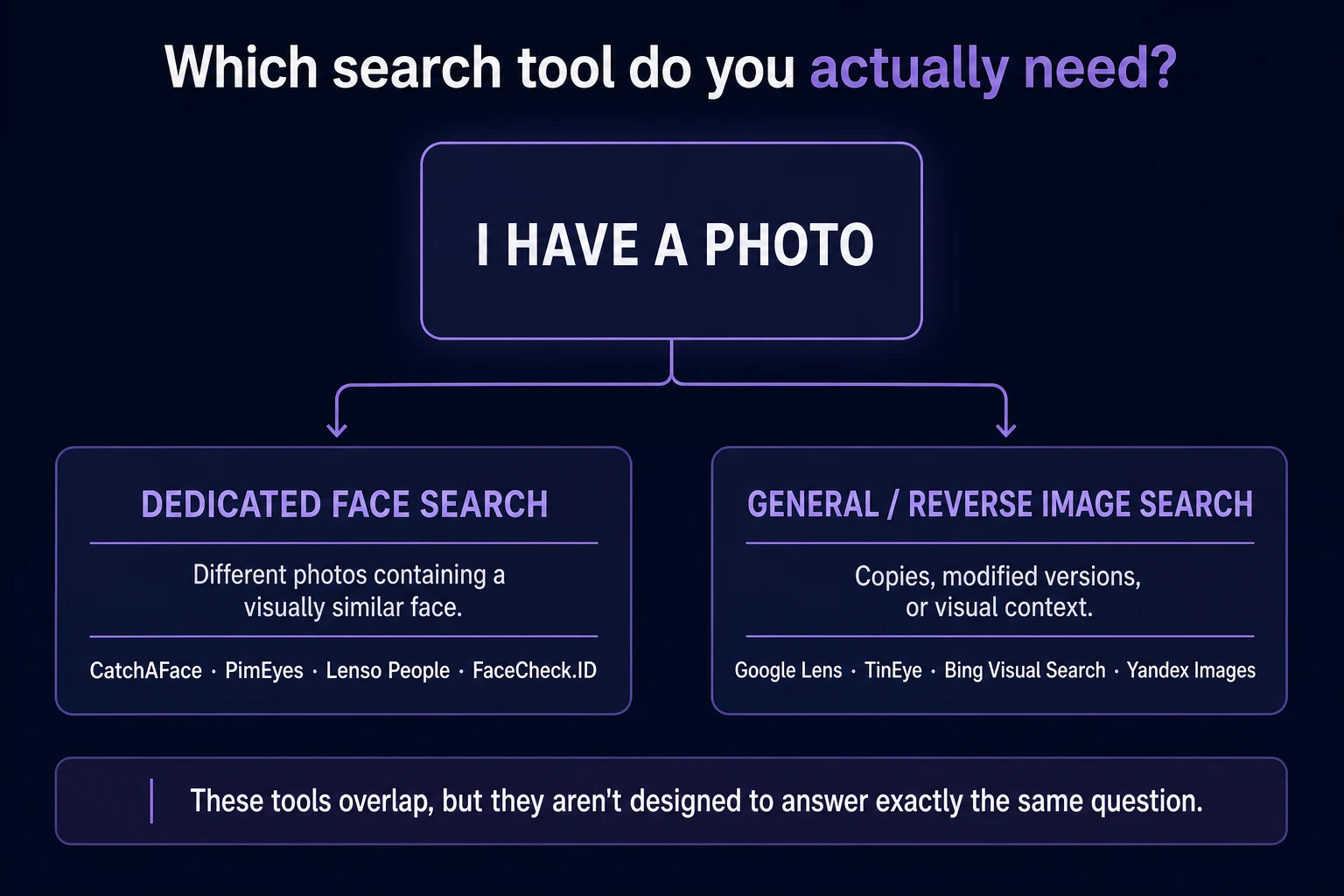
But that's different from saying Google Lens is a dedicated reverse face-search engine.
Best for: Finding copies, visually related imagery, objects, and surrounding context.
If your goal is finding another webpage containing the same photograph, Lens can be an excellent place to search.
If your goal is specifically finding completely different photographs containing the same face, dedicated facial-search systems are designed for a different job. (Face search vs. reverse image search.)
What about TinEye?
TinEye is another tool people frequently encounter when searching by image.
TinEye describes its reverse-image technology as useful for tracing an image's origin, seeing how an image is being used, locating modified versions, and finding higher-resolution copies.
That's valuable — but again, it's not the same objective as dedicated face search.
Best for: Tracking the photograph itself.
TinEye follows the image. Dedicated face search follows facial similarity.
Why we aren't declaring one universal winner
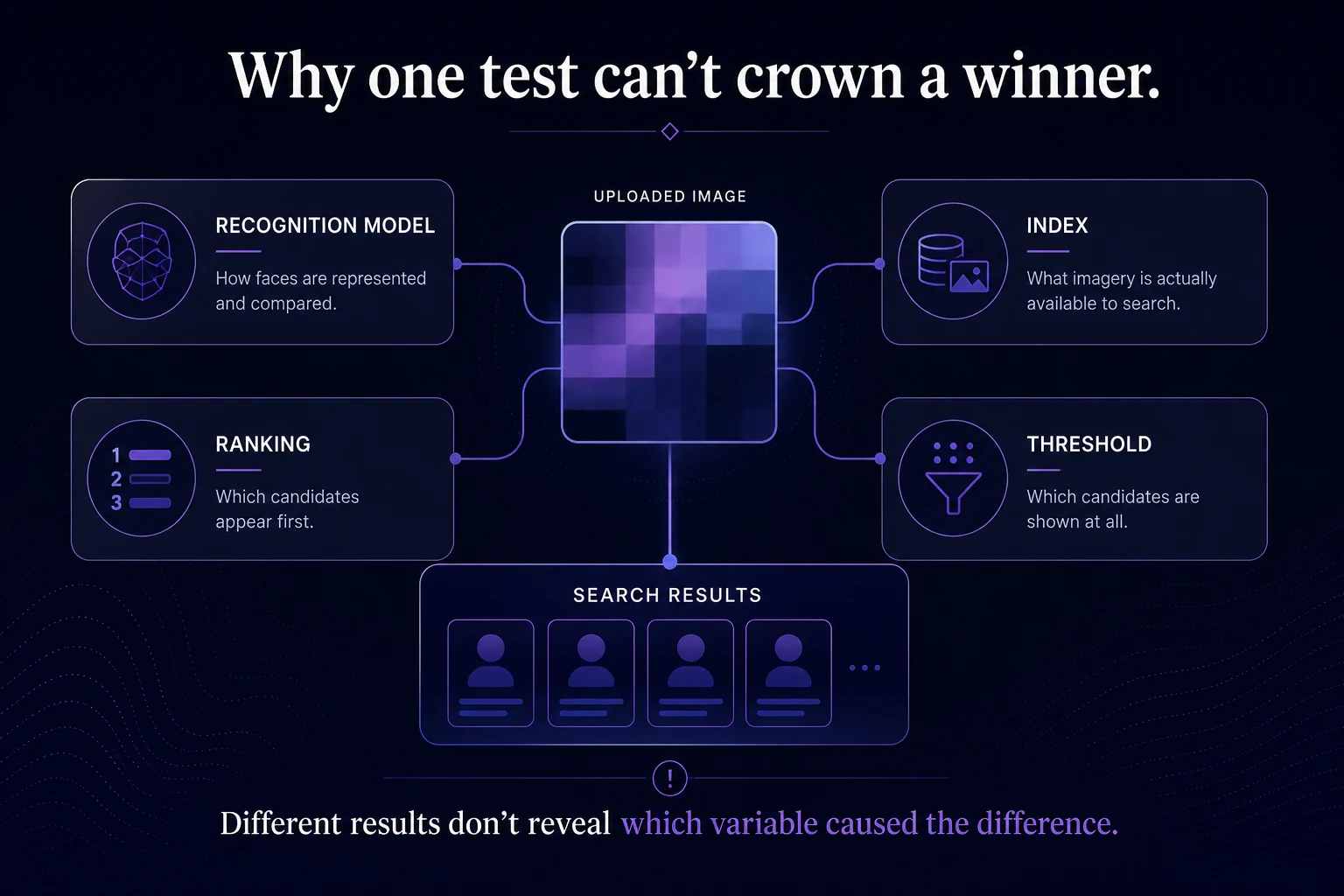
Face-search engines can't be fairly compared by uploading one photograph and declaring whichever service found it the winner.
Why? Because several variables change simultaneously:
The recognition model may differ. One provider may be better at comparing the particular photographs.
The index differs. Another provider may simply possess a candidate image the others never indexed.
Ranking differs. Two services may both contain the image but rank it differently.
Thresholds differ. One may surface weaker candidates another provider suppresses.
Coverage changes. Indexes aren't static.
That's why the most useful question often isn't:
"Which face-search engine is objectively the best?"
It's:
"Which search engine has the capabilities and coverage that fit what I'm trying to find?"
Privacy should be part of the comparison
A face isn't an ordinary search query.
Before uploading a photograph to any facial-search service, understand:
how the uploaded image is handled;
whether searches are retained;
whether the image becomes part of an index;
what deletion options exist;
whether monitoring requires retaining a facial representation;
how the provider handles removal requests;
what uses its terms permit.
Those policies can change, so check the provider's current privacy documentation rather than assuming every face-search service handles uploaded images the same way.
So which one should you use?
Choose CatchAFace if…
You want dedicated face search with a privacy-forward workflow, clear similarity framing, source context, monitoring, opt-out resources, and one-time search credits.
Consider PimEyes if…
You want an established dedicated open-web face-search provider with monitoring capabilities.
Consider Lenso.ai if…
You want face search combined with duplicate, similar, related, and place-search capabilities in one visual-search platform.
Consider FaceCheck.ID if…
You want to check another dedicated face-search index and independently review the candidate sources it surfaces.
Consider Google Lens or TinEye if…
You're primarily trying to find the same photograph, altered copies, related imagery, or broader visual context rather than specifically searching facial similarity.
The best search may be more than one search
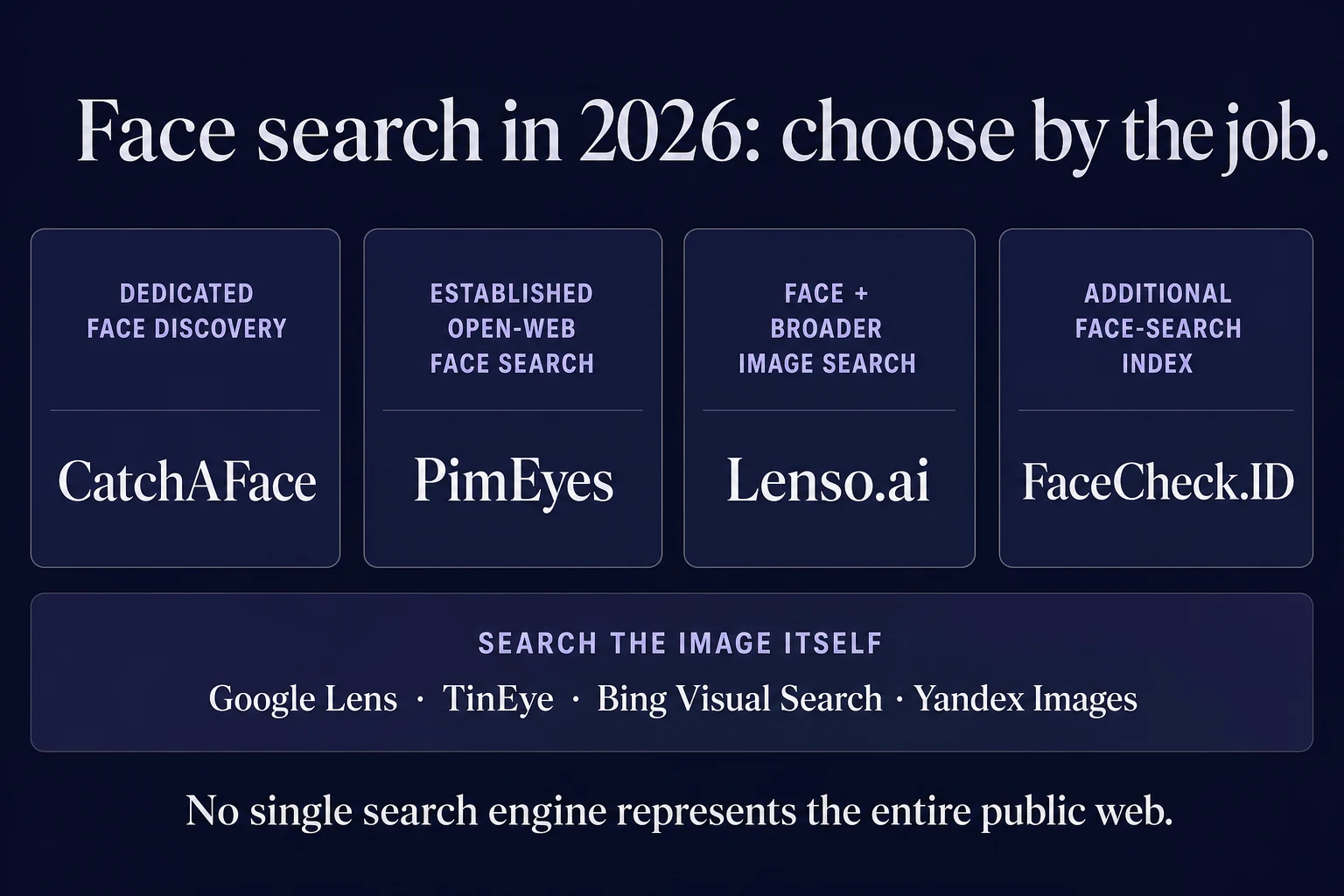
No reverse face-search engine has a complete map of every photograph on the public web.
Different providers use different technology, indexes, ranking systems, thresholds, and product features.
That's why results can differ — sometimes dramatically.
If you're searching for your own public image footprint, the most complete approach may involve more than one type of search: a dedicated facial-search engine for different photographs of your face, another face-search index for additional coverage, and conventional reverse-image tools for copies of photographs you already know.
Whatever service you choose, remember the two limitations that apply to all of them:
No result is not proof that nothing exists.
and
A similar result is not proof of identity.
Face search is a discovery tool.
The value comes from finding useful leads — and then understanding what those leads actually mean.
Want the technical foundation? Read How Reverse Face Search Works. Choosing a source photo? See What Makes a Good Photo for Reverse Face Search?. Need removal steps afterward? Browse our opt-out guides.
Related Articles
Face Search
How Accurate Is Reverse Face Search?
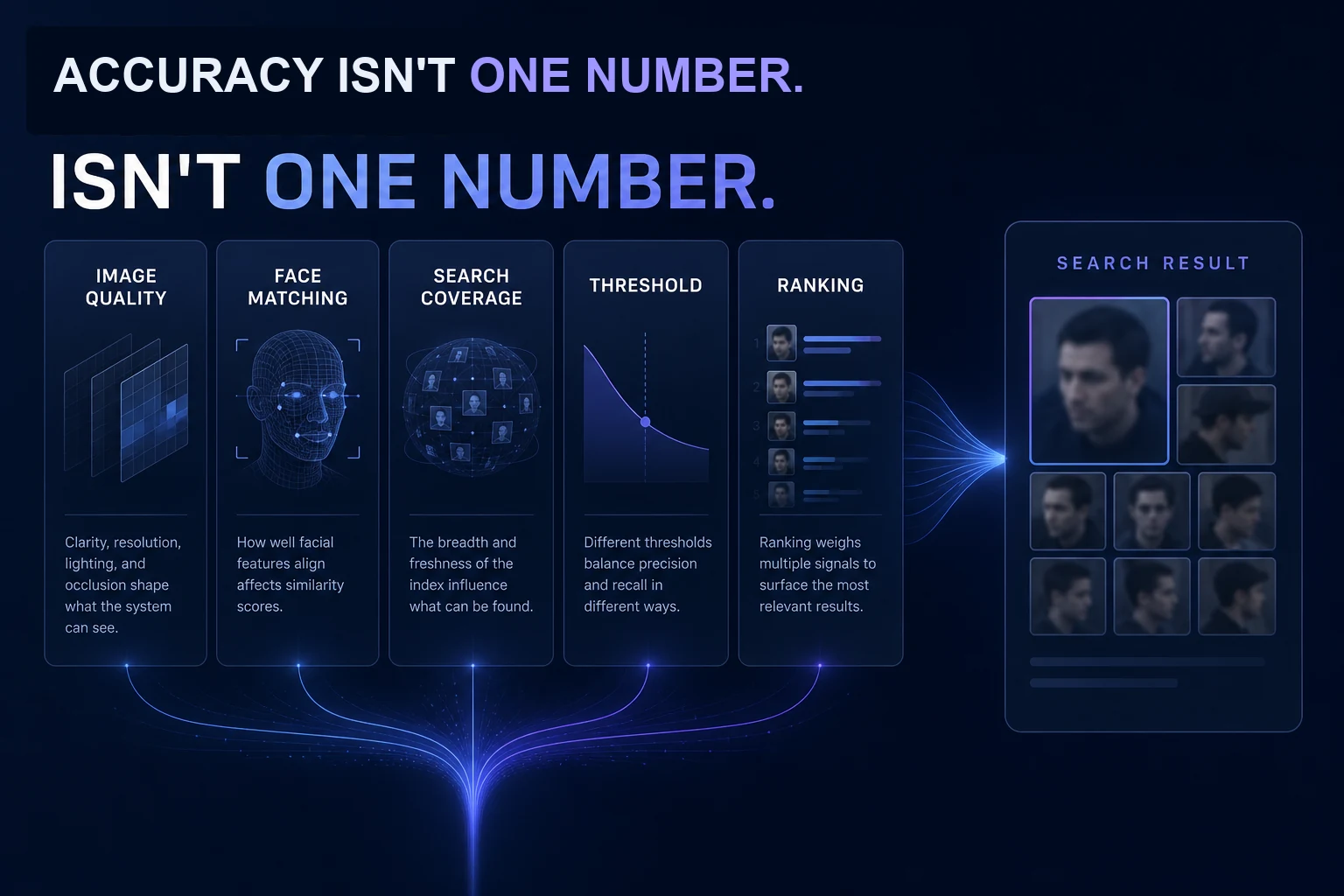
Modern facial recognition can be remarkably capable, but reverse face search accuracy isn't one simple percentage. Image quality, pose, thresholds, search coverage, and false matches all affect what you actually see.
7 min read
Face Search
No Face Search Results? What That Actually Means
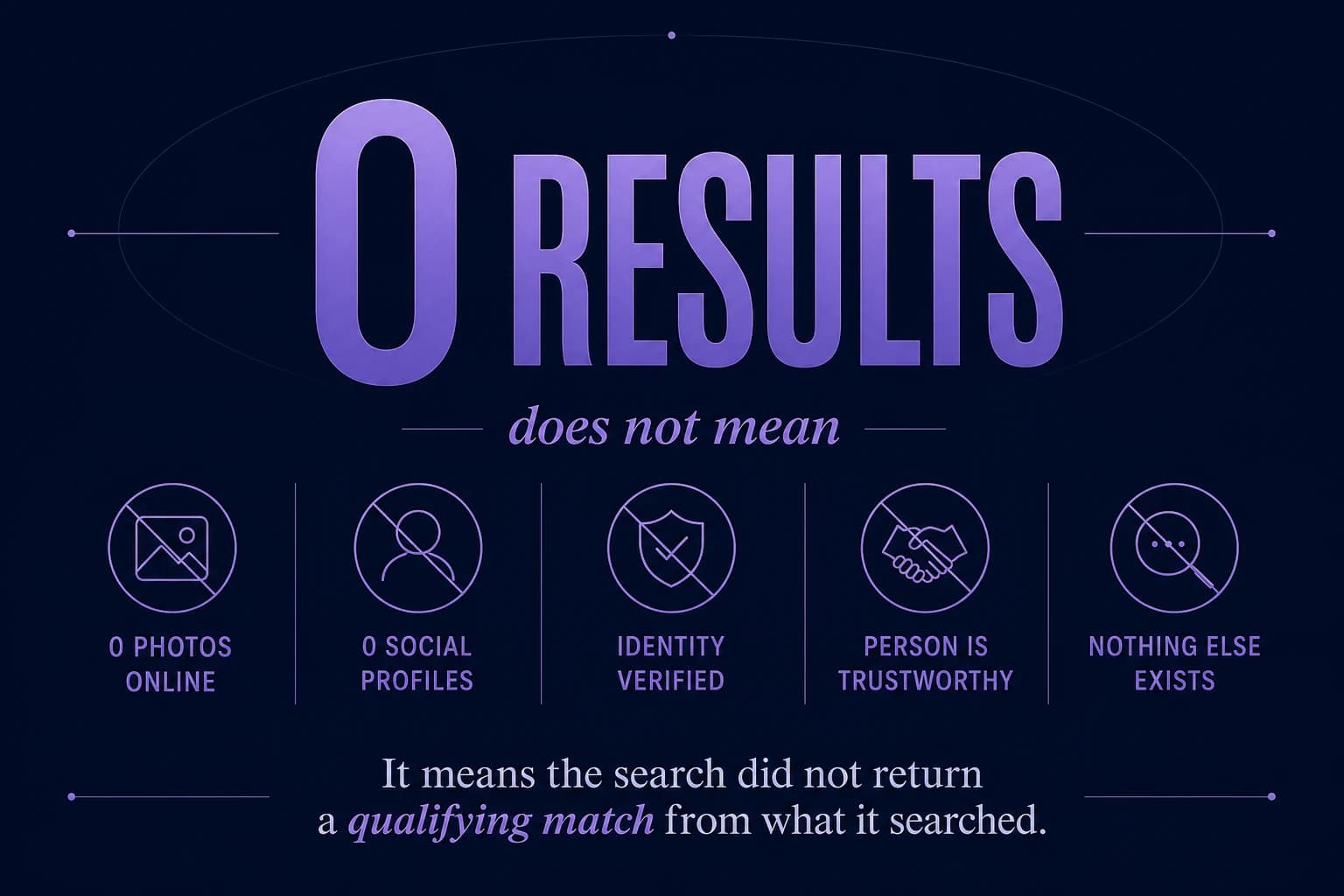
A reverse face search returned nothing. Does that mean the person has no other photos online? Not necessarily. Here's what zero results actually tells you — and what it doesn't.
7 min read
Responsible Use
What Reverse Face Search Can—and Cannot—Tell You
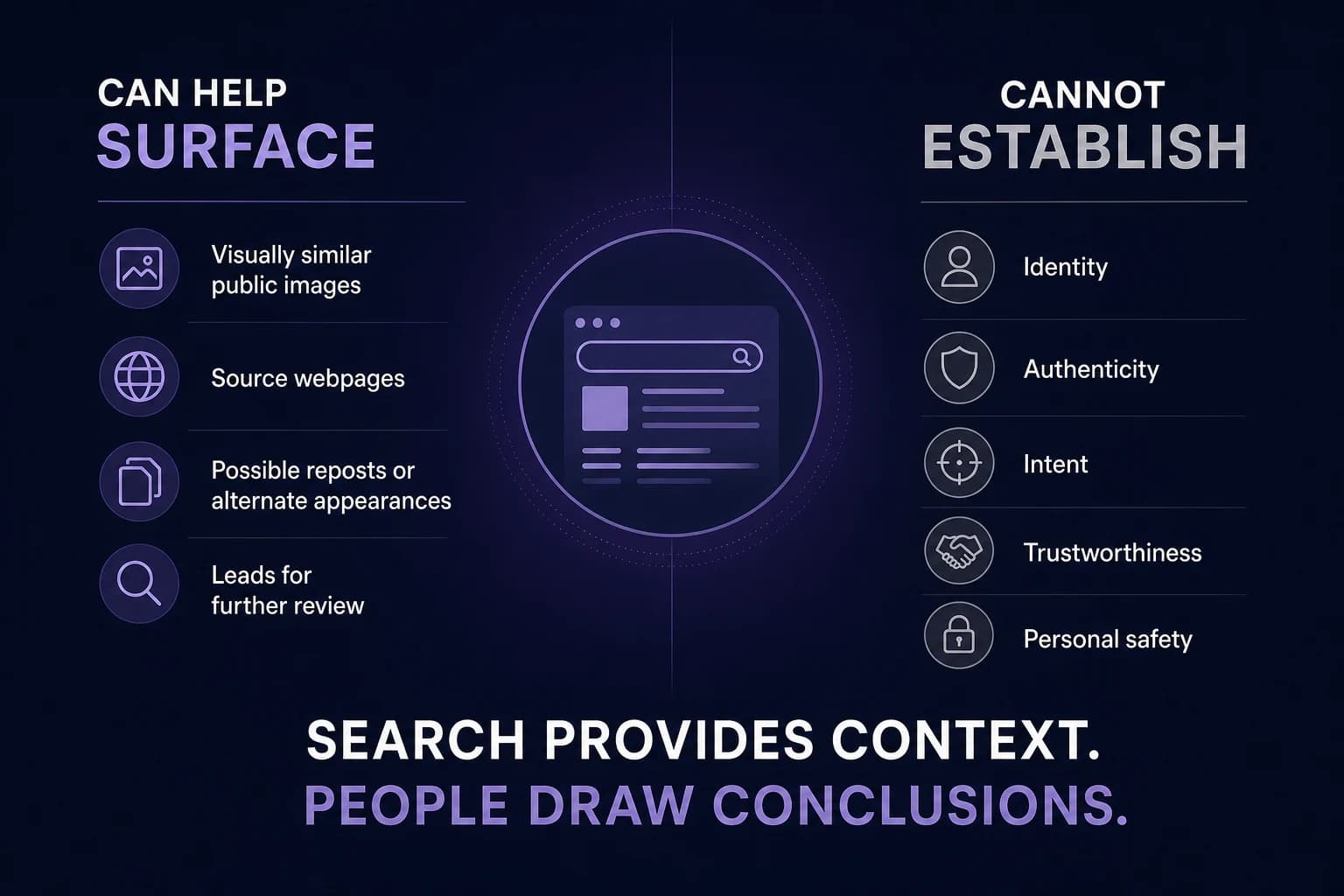
Reverse face search can surface visually similar public images and useful source context, but it has important limits. Here's what a result can tell you — and what it cannot.
7 min read